
WebXR made easy
Build augmented reality for mobile. No code. No app.
XR Designer is the browser-based studio for creating interactive AR — and publishing it to a link your customers open on their phone. Compose a 3D scene, wire the interactions, share a QR. That's the whole pipeline.
Runs in any mobile browser · No download · From idea to live link in an afternoon
One studio. Every kind of AR.
Product viewers·
Face filters·
Living packaging·
Museum tours·
Architectural visualization·
Virtual try-on·
Interactive posters·
Portals·
Business cards·
Floor installations·
One studio. Every kind of AR.
Build product demos, campaigns, tours, games and training experiences from the same visual editor.

Face filters

Living packaging

Museum tours

Architectural visualization

Virtual try-on

Interactive posters

Portals

Business cards

Floor installations

Immersive education

Industry & training
Augmented Reality without the usual baggage.
Native AR means an app to build, a store to pass, and a team to maintain it. XR Designer collapses all of that into a browser tab and a link.
01
No app store
Your experience opens in the browser. Nothing to download, nothing to approve, nothing to push an update for.
02
No code
Compose scenes and wire interactions visually. If you can use a design tool, you can build AR.
03
No guesswork
What you preview in the editor is exactly what ships — the same scene runs in both, kept honest by parity tests.
Put 3D content anywhere in the real world.
Track a surface, a printed image, a face, the sky, or a place on the map. One studio, five kinds of AR — pick the anchor your idea needs.
World
Drop content onto real surfaces. Tap to place, then drag, pinch and twist into position.
Product viewers · installations · gamesImage
Pin a scene to a poster, package or card — flat or cylindrical, with multiple targets.
Packaging · print · collectiblesFace
Track facial features on the front camera to attach masks, makeup and try-on effects.
Filters · makeup · eyewearSky
Segment the sky and replace or augment it for atmospheric, large-scale scenes.
Skyboxes · spectacle · brand momentsLocation
Anchor content to GPS coordinates picked on a map. Android walks around it outdoors via ARCore; iOS looks around it by compass.
Tours · landmarks · architecture · wayfindingA real 3D studio, in a browser tab.
Scene tree, live viewport, inspector and a library dock — the layout pros expect. Drag in a model, drop on a material, scrub a value, and watch the scene update live.


- Transform gizmo with pivot snapping
- 40+ PBR materials
- 24 animated shaders
- Keyframe timeline
- Command palette (⌘K)
Everything a real experience needs.
Not a toy. The depth to ship a scored game, a try-on, or a branded campaign — without opening a code editor.
Interactions
Wire it up. No code.
Connect triggers to actions — tap, proximity and collision flow into move, play, show, score and branch. Add a condition and you've built a quiz, a scored game or a guided sequence, all in a visual graph.
Physics
Gravity, collisions, knock-over.
Flip one switch and everything falls and collides. Tap to shoot a projectile and topple a stack.
AI textures
Generate from a prompt.
Type a description, get a 1024px texture, and drop it straight onto a material. Runs server-side — your key never leaves the vault.
Effects
Fire-and-forget bursts.
One-shot sparkles, confetti, explosions, shockwaves and pulses — triggered on any tap, score or impact.
2D UI / HUD
Screens, buttons, carousels.
A screen-space canvas with buttons, lists and swipeable carousels — wired to the same interactions.
Materials, shaders & motion
A full look-and-feel library.
40+ PBR materials, 29 procedural textures, 24 animated GLSL shaders, 24 animation presets and a scrubbable keyframe timeline — chrome, glass, hologram, fire, dissolve and everything between.
Analytics
Know how every experience performs.
Every experience you publish with XR Designer gets its own dashboard — who's opening it, how long they stay, and where the traffic comes from. Prove the work, don't guess at it.
- Opens and reach — totals plus the last 7 and 30 days.
- Average time spent — how long people actually stay in AR.
- Visitor source — QR, social, web, in-app or direct.
For agencies
Run AR for every client, in one place.
Bring your whole studio into a shared workspace. Organize projects by client, invite your team with the right level of access, and keep brand assets in one library — XR Designer for agencies, on the Ultra plan.
- Shared workspace — projects and assets your whole team can reach.
- Roles and seats — owner, editor and client-viewer access.
- Client organization — keep every brand's work separate and tidy.
Three steps to a shareable AR link.
-
01
Compose your scene
Start blank or from a template. Drag in objects, models, text and lights; drop on materials; set animations — all in a live viewport at real-world scale.
-
02
Make it interactive
Wire triggers to actions, add physics and effects, lay out a HUD. Preview as you go, then send a private QR to test it on your own phone.
-
03
Publish to a link
One click gives you a public page and a QR code. Password-protect it, brand the splash screen, and watch opens and dwell time in the analytics.
Built to trust
What you see is what ships.
The editor and the published experience render from the same scene description, kept in sync by parity tests. Secure by default, with private test links, password-protected shares and per-experience analytics — opens, dwell time and visitor source.
Open the studio- 5
- tracking modes
- 14
- object types
- 40+
- PBR materials
- 24
- animated shaders
- 0
- lines of code to ship
WebAR, answered.
What is augmented reality (AR)?
Augmented reality (AR) overlays digital content — 3D objects, images or information — onto your view of the real world in real time, usually through a phone or tablet camera. Unlike virtual reality, which replaces your surroundings, AR adds to them. Read the full guide.
What is WebAR?
WebAR is augmented reality that runs in a phone's web browser, with no app to download. A link or QR code opens the camera and overlays interactive 3D content on the real world.
Do my users need to install an app?
No. Experiences built with XR Designer open in any modern mobile browser straight from a link or QR code — nothing to download or approve in an app store.
Do I need to know how to code?
No. You compose scenes and wire interactions visually — triggers connect to actions in a graph. Nothing you build requires writing code.
What can I anchor AR content to?
Real-world surfaces, printed images, faces, the sky, and GPS locations — five tracking modes in one studio, so you pick the anchor your idea needs.
How do I publish and share an experience?
Publish to a public link with an auto-generated QR code in one click. You can password-protect it, brand the splash screen, and track opens and dwell time in the analytics.
How much does XR Designer cost?
It's free to build and preview for personal, non-commercial use. Paid plans start at $29.90/month when you need commercial usage, more projects and AI textures — see pricing.
Start free. Upgrade when you publish.
Build and preview on the free plan forever. Upgrade when you need commercial usage, more projects, AI textures, or team-ready exports.
Free
For trying things out.
$0
- Up to 5 projects
- All tracking: world, image, face, sky & location
- 10 MB asset storage
- Shareable AR link
- Non-commercial usage
- No file exports
Starter
For creators getting serious.
$29.90/mo
- Up to 10 projects
- 100 MB asset storage
- 10 AI textures / month
- Commercial usage
- Custom splash, start screen & password
- No file exports
Pro
For makers shipping AR.
$99.90/mo
- Up to 50 projects
- 500 MB asset storage
- 20 AI textures / month
- Custom splash, start screen & password
- Everything in Starter
- No file exports
Ultra
For agencies and teams.
$249.00/mo
- Unlimited projects
- 5 GB asset storage
- 50 AI textures / month
- Export the 8th Wall package (ZIP)
- Up to 3 team seats
- Everything in Pro
Prices shown in your local currency · Billed monthly
Compare plans
| Feature | Free$0 | Starter$29.90/mo | Pro$99.90/mo | Ultra$249.00/mo |
|---|---|---|---|---|
| Projects | Up to 5 | Up to 10 | Up to 50 | Unlimited |
| Storage | 10 MB | 100 MB | 500 MB | 5 GB |
| AI textures / month | 0 | 10 | 20 | 50 |
| Commercial use | ✗ | ✓ | ✓ | ✓ |
| Custom splash + start screen + password | ✗ | ✓ | ✓ | ✓ |
| File export (8th Wall package ZIP) | ✗ | ✗ | ✗ | ✓ |
| Team seats | 1 | 1 | 1 | Up to 3 |
| Tracking modes (world/image/face/sky/location) | All | All | All | All |
Learn XR, the practical way.
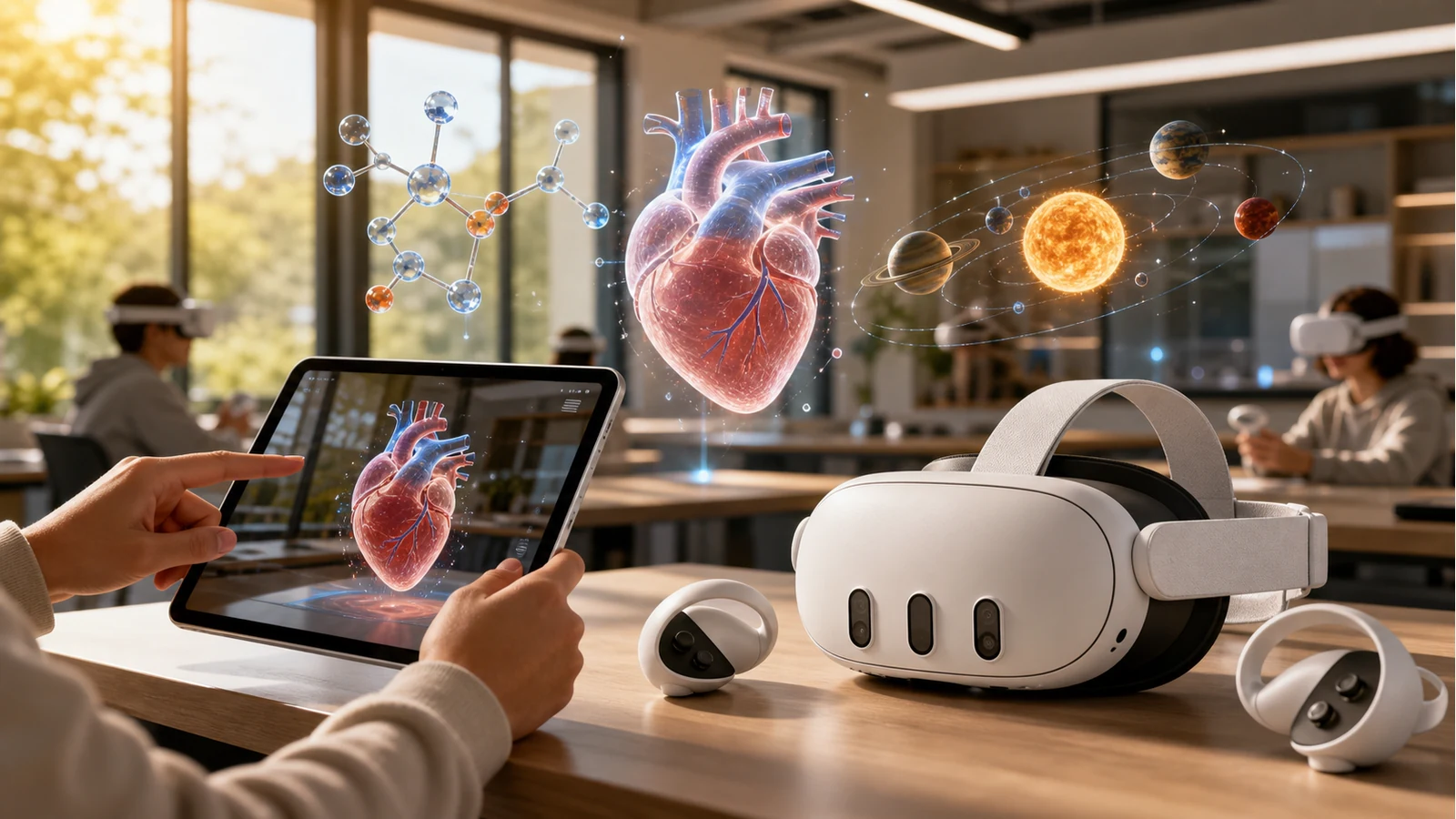
Education
How AR and VR improve education
AR and VR make abstract subjects visible, practice safer, and lessons more memorable. See where immersive learning works and how to build it without code.
Fundamentals
What is VR? A clear guide to virtual reality
Virtual reality replaces your surroundings with a digital world. Learn what VR is, how it works, how it differs from AR, and where it is useful.
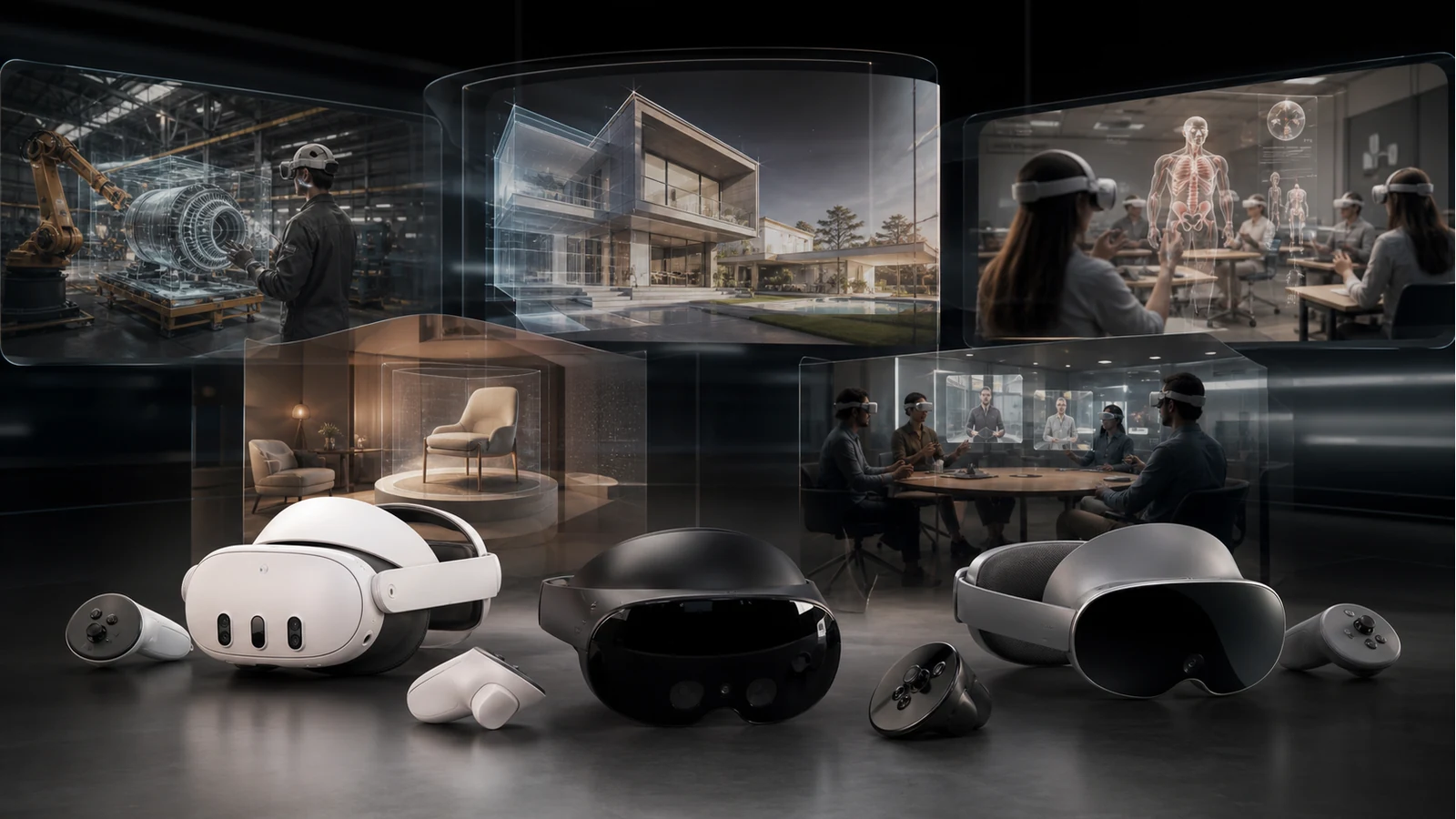
Use cases
VR use cases: where virtual reality creates value
VR is useful when people need to enter a place, rehearse a task, or understand scale. Explore practical VR use cases across training, architecture, education, product demos and collaboration.

Fundamentals
What is augmented reality? A plain-language guide
AR overlays digital content on the real world. What it is, the main types, how it works, and where you've already seen it.

Fundamentals
What is WebAR? Augmented reality that runs in the browser
No app, no SDK — just a link. Here's what WebAR is, how it works, and why it changes the math on AR.

Strategy
AR without an app: why the browser won
Every install is a drop-off. See why a tap-to-open link beats a native download for reach and conversion.

Business
7 ways augmented reality grows your business
From try-before-you-buy to packaging that talks back — practical AR plays that move engagement and sales.

Use cases
Image-tracking AR for packaging and print
Turn a poster, label or business card into a portal. How marker-based AR works and where it shines.
Your first AR experience is one tab away.
No install. No code. Build it in the browser and share a link today.